
Practical resources
Each resource gives you a clear starting point and a useful next step. Choose the format that matches the work in front of you.
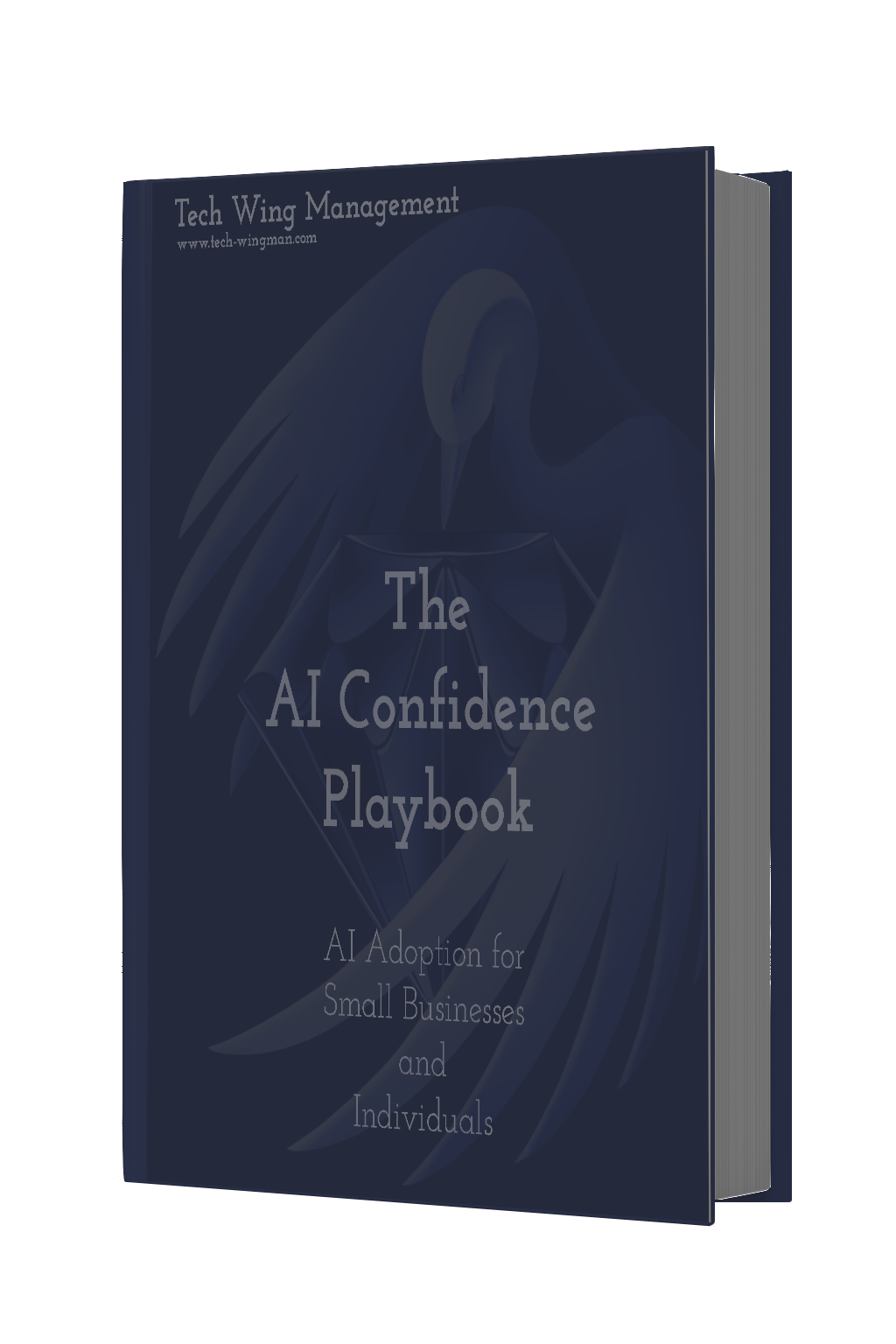
The AI Confidence Playbook
Start using AI without needing a technical background. An introductory guide for small-business owners and professionals who want practical ways to adopt AI with less guesswork. Buy once and receive the evolving editions as links, approaches, examples, and prompts are refreshed for the way AI actually works.
Paid ebook · Purchase once, get future updates FREE
Buy the AI Confidence PlaybookBuild it yourself
These practical guides, cheat sheets, and prompt exercises help with work that still matters: organizing a workflow, researching a question, clearing an inbox, creating useful content, and building confidence with AI. Use the original resource when it fits, or adapt the approach to your own work.
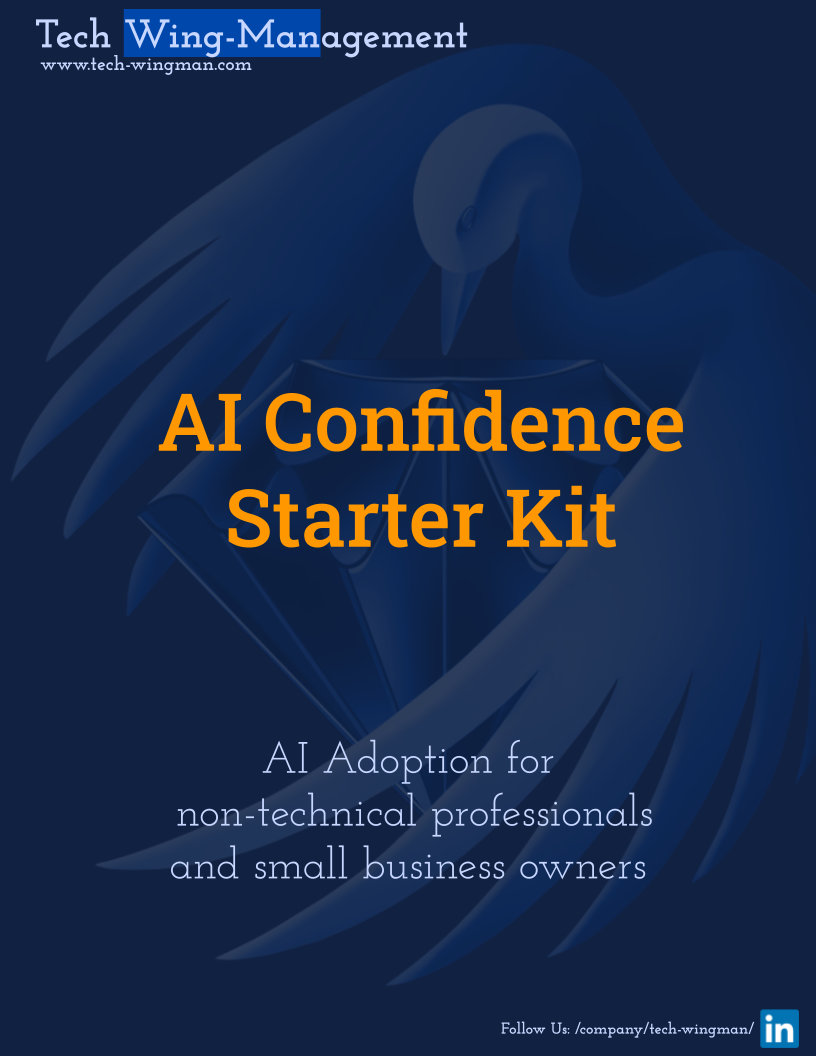
AI Confidence Starter Kit
A practical starting point for non-technical professionals and small-business owners who want quick AI wins for efficiency and productivity.
Free
How to use this and make your own?
For a non-technical owner or professional taking a first step with AI. Choose one project you already need to move forward, try a small useful task, and review what worked before adding more tools. The goal is a manageable starting point, not an automated business overnight.
- Choose one real project or workflow
- Start with a small, useful AI win
- Keep what works and build from there
Prompt to make your own
Create an AI confidence starter kit for [audience]. Focus on practical wins for efficiency and productivity, explain the first steps in plain language, and include prompts that help people apply AI to a real project without a technical background.
10 Prompt Challenge
A practical set of AI challenges for building confidence through repetition. Pick three prompts that fit your work, try them, and extend them to your own situation.
Free
How to use this and make your own?
Choose three challenges that match a real question or task. Work through the prompts, then rewrite them with your own context so the practice becomes useful instead of abstract.
- Pick three prompts that fit your current work
- Try each one with a real question
- Extend the prompt to your own situation
Prompt to make your own
Create a 10-prompt challenge for [audience] who want to practice using AI for [goal]. Make each prompt build a different skill, explain the intended result, and leave room for the person to adapt it.
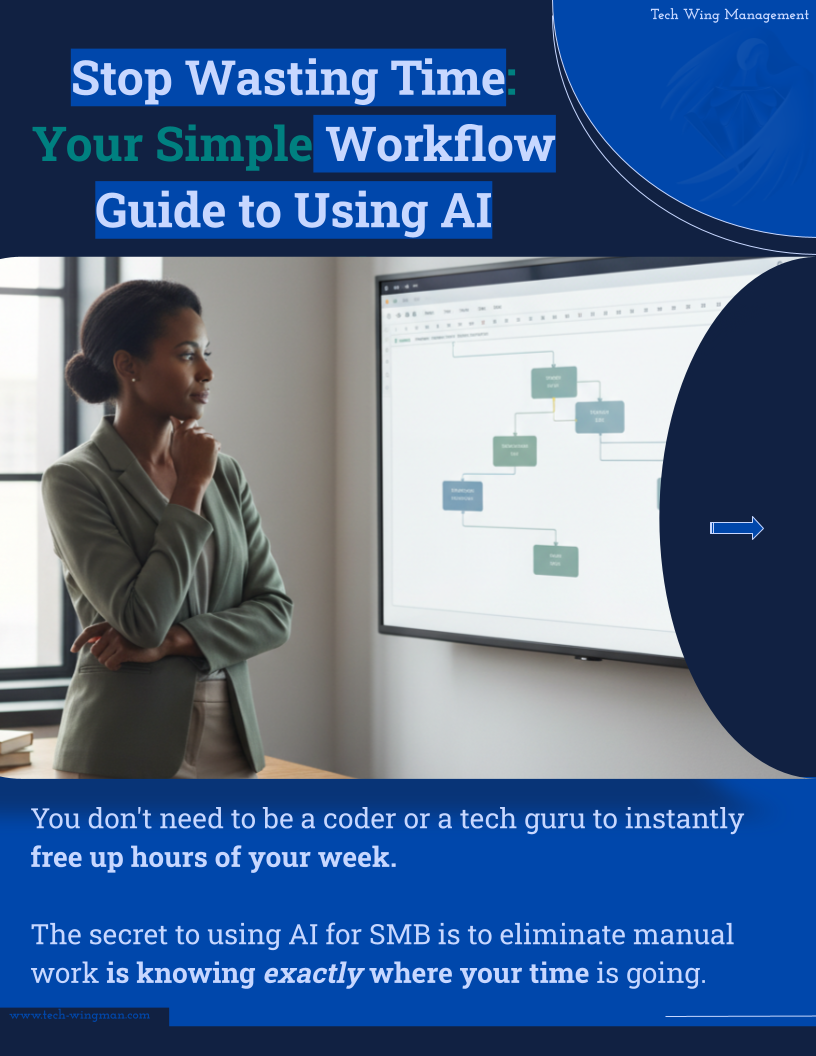
AI Workflow Mapping Guide
For owners and teams who want to reduce repetitive work. Map the steps, time, inputs, outputs, and errors before choosing workflow automation.
Free
How to use this and make your own?
Use it on one process that feels repetitive or slow. Write down what actually happens, then identify handoffs and errors worth improving. You leave with a process you can review before choosing automation.
- Choose one repeatable workflow
- Document the current steps and effort
- Use the pattern to decide what AI could improve
Prompt to make your own
Create a workflow-mapping worksheet for [describe the process]. Include steps, time spent, inputs, outputs, handoffs, repeated decisions, and common errors. Keep it practical for a non-technical small-business owner.

Creating LinkedIn Carousels Using AI
Turn one idea into a repeatable carousel workflow—from a rough outline to slides you can publish.
Free
How to use this and make your own?
Start with one useful idea, ask AI to shape the structure, then review every slide for clarity and your own voice before publishing.
- Choose one idea worth explaining
- Build a clear slide-by-slide outline
- Edit the result before you publish
Prompt to make your own
Turn this idea into a LinkedIn carousel for [audience]: [idea]. Give me a strong opening, one clear point per slide, a practical example, and a final next step. Keep the language direct and easy to scan.

Gemini in Gmail Cheat Sheet
Keep a compact reference nearby for drafting, summarizing, and following up with Gemini in Gmail.
Free
How to use this and make your own?
Use it when your inbox is full and the next action is unclear. Pick the prompt that matches the message, then check the result before sending anything.
- Start with the email or thread that needs attention
- Ask for a specific transformation
- Review tone, facts, and next steps
Prompt to make your own
Create a one-page cheat sheet for using AI in [email tool]. Include prompts for drafting, summarizing, extracting action items, and writing follow-ups. Keep each prompt short and safe to review before sending.
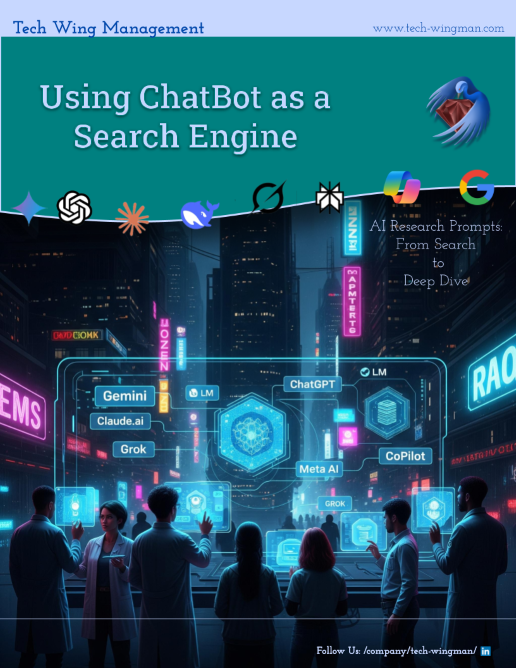
Using AI for Research
Turn a broad question into a useful research process, then compare sources before you trust the answer.
Free
How to use this and make your own?
Use this when a business decision needs better information. Turn a broad question into a focused research plan, keep sources visible, and identify important claims to verify. Treat the result as organized research to review, not a decision made for you.
- Define the question and what a useful answer must include
- Use AI to organize the search and compare sources
- Verify the important claims before acting
Prompt to make your own
Help me research [question] for [audience or decision]. Break the work into search steps, suggest sources to compare, identify claims that need verification, and separate known facts from open questions.
Publication Downloads
Looking for more to put to work? Explore the downloads in Tech Wing Bites—practical worksheets, frameworks, and templates connected to the publication. Some are free; others are for paid subscribers.
Builder’s Documents
A growing collection of downloads connected to Tech Wing Bites articles. Open the source post to find practical documents, see access details, and decide what is useful for your work.
Free or Paid-subscriber content · Substack controls access
Open the publication downloadsFor your own work
Want help putting this into practice?
Explore practical advice and managed support for the next step in your business.